
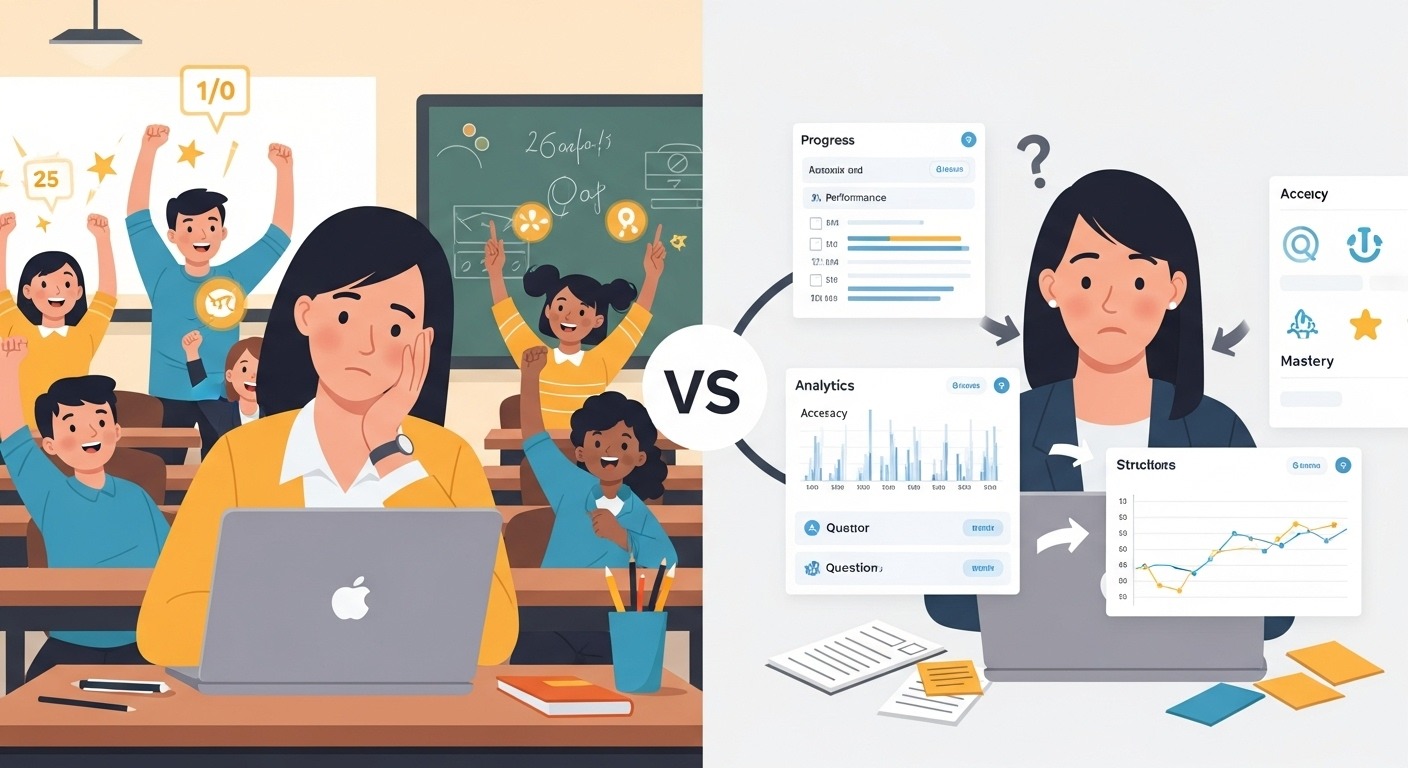
For years I was the “fun Gimkit teacher” on Friday who closed the laptop feeling like a legend…
only to open the gradebook Monday and realize half the kids still couldn’t conjugate “tener” in preterite.
Then I stopped treating Gimkit like a party and started treating it like the most ruthless data machine I’ve ever owned.
Result last spring:
- I caught a sophomore cheating on the final because his Gimkit accuracy history was literally too perfect
- Spanish 2 multiple-choice final average jumped to 94.3% (up from 73% pre-Gimkit era)
- One quiet junior cried during a 3-minute data check-in because she saw herself go from 51% → 89% in six months
Here’s the exact system I use in 2025–2026. Copy it tomorrow. Your gradebook will never lie to you again.
Step 1: Stop Worshipping the Leaderboard (It’s a Liar)
$42 million in first place = usually the kid who already knew everything
$2.3 million in 18th place = often the kid who started at 42% accuracy and finished at 97%
Leaderboard = engagement
Reports = actual learning
Never confuse them again.
Step 2: The Only 3 Reports You’ll Ever Need (Open in This Order Every Time)
- Reports → Questions → Most Missed (sort by % missed)
Screenshot the top 3 → project it Monday morning → reteach for exactly 8 minutes
Kids remember the pain of missing it → retention becomes permanent - Reports → Students → Accuracy % (sort low → high)
Anyone under 68% gets a silent 5-minute pull-aside reteach next day
Zero shaming, maximum growth - Reports → Students → Cash vs Accuracy Scatter Plot (Gimkit Pro)
This graph is my cheat detector + gifted identifier:- High cash + low accuracy = spammer or answer-sharer
- Low cash + high accuracy = quiet genius who won’t buy power-ups
→ Identified and moved 3 hidden gifted kids to honors using this alone
Step 3: My 4-Minute Google Sheets Dashboard That Replaced My Gradebook Anxiety
After every Friday game → Export CSV (Pro feature) → auto-import into master sheet
Dashboard auto-shows:
- Weekly accuracy trend line per student
- Top 5 most-missed concepts of the month
- Every kid’s accuracy vs class average
- Color coding: green 85%+, yellow 70–84%, red <70%
Monday 7:12 a.m. coffee ritual: open sheet → instantly see exactly who’s struggling on exactly which topic → email parents, write referrals, adjust seating charts from this one document.
It is the single most valuable file I own.
Step 4: Homework Mode Settings That Actually Measure Growth
Sunday night assignment:
- Mode: Classic
- Goal: $1.5M cash (forces 3–4 honest attempts)
- Due: Thursday 11:59 p.m.
- Attempts: unlimited
Friday morning I check two numbers:
- Final accuracy on best attempt
- Number of attempts
Kid who needed 7 attempts but hit 94% > kid who one-shotted 89%
I have a gradebook column called “Gimkit Growth Score” = final accuracy × attempts
Higher score = more productive struggle = bigger celebration
Step 5: The Monthly 3-Minute Data Check-In That Changed Lives
Once a month I pull every kid for 3 minutes and show them their full accuracy trend line.
I ask one question:
“What do you notice?”
Results:
- Juniors crying happy tears watching their growth
- Kids voluntarily making flashcards because they hate missing subjunctive triggers
- Caught 3 clinical anxiety cases when accuracy suddenly tanked during family crises
Best relationship-building tool I’ve ever used. Period.
Hard Data From My Classroom 2024–2025
Spanish 2 multiple-choice final averages:
Completed 90%+ of Gimkit assignments → 94.3%
Completed 50–89% → 81.2%
Completed <50% → 64.7%
Same teacher. Same content. Same kids.
Only variable: Gimkit data + deliberate follow-up.
Limitations (Because I’m Not Selling Snake Oil)
Gimkit measures retrieval fluency, not writing/speaking/deep analysis.
I still give traditional assessments — but now they’re ice-cold because kids have had 500 low-stakes reps first.
Also: Wi-Fi dies, Chromebooks die, life happens → always have paper backup.
If you’re still playing Gimkit, closing the tab, and saying “that was fun” without ever opening Reports…
you’re throwing away the most powerful formative assessment tool in your classroom.
Open Reports tomorrow.
Screenshot the Most Missed.
Fix the top three things next week.
By Thanksgiving your gradebook will look like it was built by a professional — not a raccoon.
I know.
I lived both versions.
Save this post.
Implement one step tomorrow.
Watch your students grow in real time.