
The Only Guide That Still Works After 3 Years of Zoom Hell, Snow Days, Quarantines, and One Kid Playing From a Closet
January 2026 broke me.
One day I had 32 teenagers screaming about the Schlieffen Plan.
The next day I had 32 black Zoom rectangles and a kid eating cereal in the background.
I spent two solid months crying, cursing, and experimenting until Gimkit worked again — not just “kinda worked,” but actually became the single best part of remote teaching.
Here are the exact settings, modes, routines, and hacks that survived 2023–2026 remote, hybrid, snow-day, quarantine, and fully online chaos.
Core Principle That Saved Everything
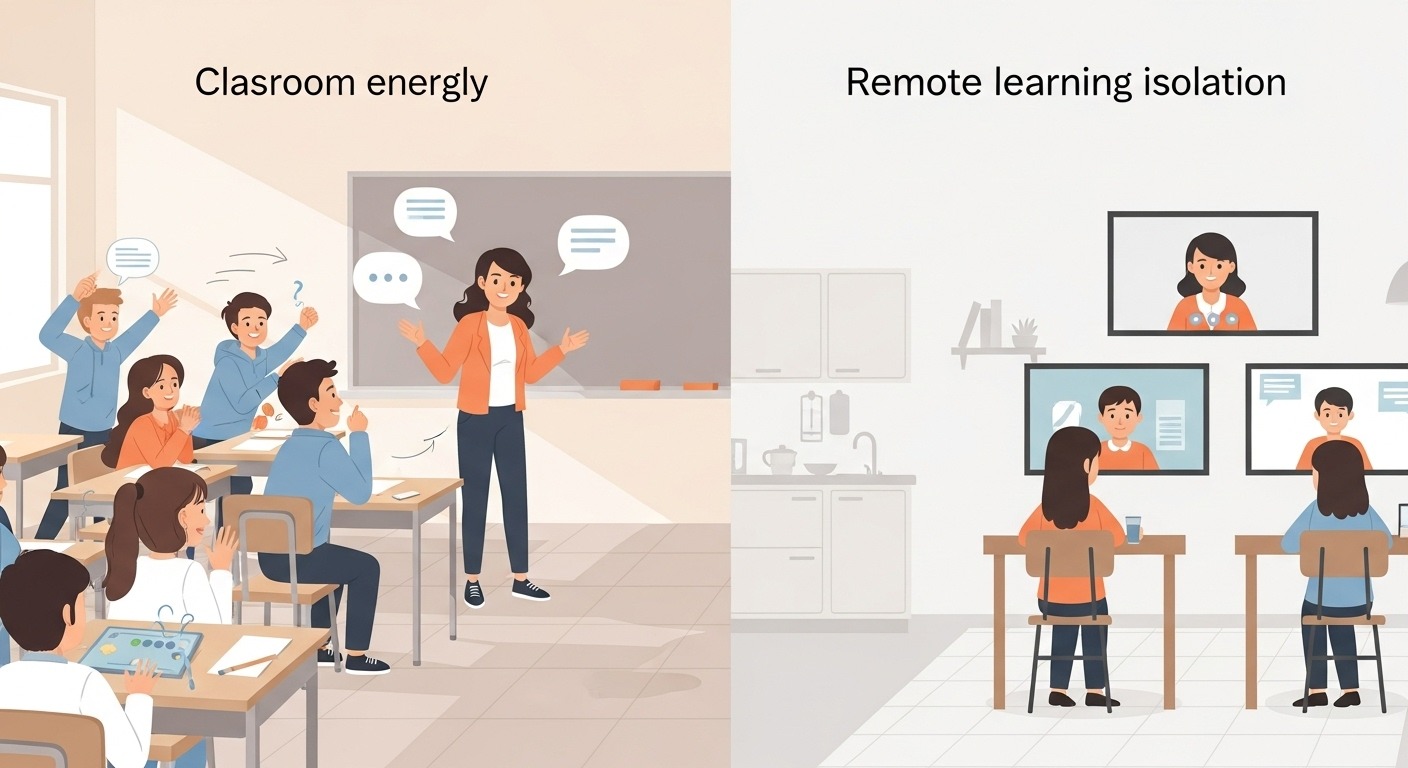
In-person Gimkit runs on shared energy.
Remote Gimkit runs on manufactured energy.
Your job is to rebuild every single thing that used to happen automatically.
Technical Setup That Actually Works in 2026
- Two-Device Rule (Non-Negotiable)
Phone = Gimkit
Laptop/Chromebook = Zoom
One-device kids → Gimkit in browser tab + Zoom on mute with earbuds
Say it on slide 1. Repeat it. Tattoo it on your forehead. - Screen Sharing Strategy
- Instructions & hype → share your face
- Game running → share Gimkit teacher dashboard (leaderboard + question)
- Last 2 minutes → flip to full leaderboard for maximum drama
- Emoji Chat Reactions = Remote Screaming
Force everyone to react with emojis only:
🔥 = streak
💀 = just died
😱 = betrayal
🏆 = took 1st
The chat becomes a live pulse. Zero words, maximum energy.
The Only 3 Modes That Survive Remote Teaching
- Trust No One – Still the undefeated champion
Settings:- 30-second voting timer (audio delay kills 15-sec default)
- Unmute everyone during meetings (yes, it’s chaos — that’s the point)
- You become the host: read accusations aloud, force quiet kids to speak
Result: actual discussion about content while they hunt impostors
- Classic Mode – The reliable 15-minute miracle
Perfect for middle-of-class energy injection
Rules:- 15 minutes max
- Call out leaderboard changes live (“Maria just passed Carlos — Carlos, you okay with that?”)
- Emoji reactions mandatory every 3 minutes
- Team Mode + Breakout Rooms – The hidden remote killer
Assign teams → send to breakouts → let them play together
Smaller groups = zero hiding
Bring back to main room for final 3-minute showdown and debrief
Turns “parallel play” into real collaboration
Modes That Die Remotely (Don’t Waste Your Time)
- Floor is Lava → early losers stare at ceiling for 10 minutes
- Fishtopia/Dig It → too long, too quiet
- Capture the Flag → pure chaos, zero learning
- Infinity Mode → attention span homicide
Engagement Hacks That Replace Physical Presence
- Pre-Game Prediction (Mandatory)
“Everyone type in chat right now: who wins today? No changes.”
Instant investment. - Mid-Game Confidence Check
Every 7–8 minutes: “Type 1–10 how confident you are right now.”
Keeps them awake + gives you real-time data. - Strategic Name-Calling
Every leaderboard update: call out real names, especially quiet kids.
“Wait… is that JADEN in 3rd place? Jaden, you’ve been sandbagging!” - Post-Game Debrief (The Real Learning Happens Here)
Never skip this.
3–5 minutes: “Raise hand — who can explain why 78 % of us missed the Russian Revolution question?”
Anti-Cheating Strategy That Actually Works
- Write questions Google can’t answer in 10 seconds
Bad: “What year was the Treaty of Versailles signed?”
Good: “Which of these arguments would a historian use to claim the Treaty of Versailles was too harsh?” - Make it “open-notes” officially
“Yes, you can use your notes. The fast kids will still crush you.”
Removes shame, rewards preparation. - Turn on response timing
Slow answers = lower rank → natural deterrent
Exact Timing That Prevents Zoom Fatigue
- Never start class with Gimkit (log-in chaos)
- Never end class with Gimkit (mental checkout)
- Best slot: minutes 15–30 of a 60-minute lesson
- Maximum length: 15 minutes (18 if Trust No One)
When Everything Breaks (Because It Will)
- Wi-Fi dies → immediately drop new code in chat + switch to phone hotspot
- Kid has trash internet → tell them “chill mode — just answer what you can, no pressure”
- Only one device → browser tab + phone speaker on Zoom
- Total tech failure → have a 5-question Google Form ready as backup
My Current Remote Weekly Rhythm (2026)
Sunday night → Assignment mode kit drops
Wednesday → 15-minute live Classic
Friday → Trust No One or Team Breakouts
Snow day / quarantine → Assignment kit + optional live 11 a.m. bonus round
That rhythm alone kept engagement above 90 % through every single disruption.
Final Truth After 3 Years of Remote Teaching
Gimkit doesn’t just work remotely.
In many ways, it works better — because the kids who used to hide in the back row can’t hide anymore when their name is #1 on a leaderboard you’re narrating live.
Start with Classic 15-minute mode tomorrow.
Use the two-device rule.
Force emoji reactions.
When your quietest kid finally types 🔥🔥🔥 after a 27-streak from their bedroom…
you’ll understand why some of us would rather quit than teach remote without Gimkit.
You’ve got this.
The kids have been waiting for something that feels like real school again.
Give it to them.