
Settings most teachers never touch — but the ones that instantly separate “fun activity” from “highest-engagement lesson of the entire year”
I used to think I was a Gimkit pro.
I had polished kits, smooth routines, and kids who begged to play.
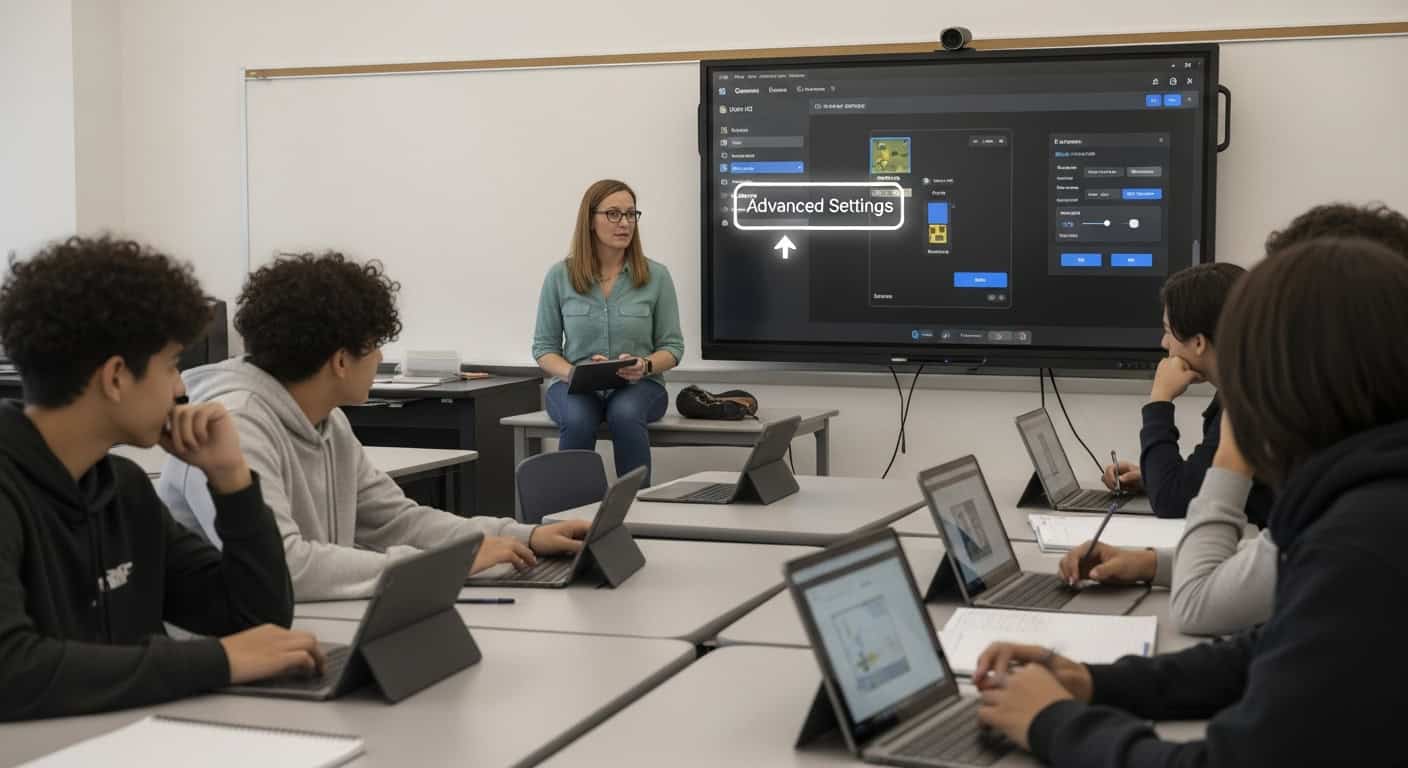
Then one random Tuesday I accidentally clicked the tiny “Advanced” arrow at the bottom of the game creation screen…
…and realized I’d been teaching on rookie mode for three straight years.
What I discovered inside wasn’t just extra toggles.
It was the difference between a cute review game and a precision-engineered engagement machine that still has my students screaming, coaching each other, and begging for “one more” in 2026.
Here are the only 10 advanced settings actually worth changing, ranked by real-world impact in actual high school classrooms.
1. Power-Up Pricing – The #1 Setting That Controls Literally Everything
Default prices are trash. Kids empty the shop in 8 minutes and then coast on autopilot.
My battle-tested 2025–2026 pricing (works even with my chaotic 9th period):
| Power-Up | Price | Effect in Class |
|---|---|---|
| Streak Bonus | $800 | Cheap → encourages speed & protects streaks |
| Insurance | $2,100 | Bought religiously before hard questions |
| 2x Multiplier | $4,200 | The holy grail — chased for the entire game |
| Freeze | $8,500 | Rare & dramatic when used |
| Handout | $15,000 | Almost never bought (perfect) |
| Everything else | OFF | Removes noise |
Result: The shop stays relevant for the full 35–40 minutes.
Students do actual mental math and strategic planning — higher-order thinking disguised as fake money.
Pro tip: Save as default once → every new game inherits them forever. I haven’t manually changed prices in two years.
2. Question Value + Time Per Question – Control Speed vs. Depth
Default = $10 and 20 seconds. Fine for nothing.
My content-specific settings:
| Content Type | Value | Time | Result |
|---|---|---|---|
| Vocabulary / Spanish verbs | $15 | 18 sec | Lightning recall, high energy |
| Multi-step math / chemistry | $25 | 40 sec | Forces showing work, reduces guessing |
| Reading passages (Gatsby, etc.) | $40 | 60 sec | Accuracy dropped from 91% → 73% → climbed to 96% by game 3 because they finally READ |
60-second questions with literature excerpts are now my favorite weapon.
3. Late Joiners Start with Average Cash (Non-Negotiable Mercy Rule)
Default ($0) = death sentence for any kid walking in 4 minutes late.
Set to “Average cash” permanently.
They instantly have a fighting chance. No one checks out. Engagement stays at 100% even with tardies.
This one change single-handedly saved my 7th period sanity.
4. Streak Bonus Curve – The Hidden Peer-Teaching Engine
Default: bonus every 5 correct.
My 2026 settings:
- Trigger bonus every 4 correct (not 5)
- Bonus scales aggressively
- Streak bonuses stack with multipliers
A 20-question streak now pays nearly $100,000.
I’ve watched top students stand up and teach struggling kids verb conjugations mid-game because they refused to let the streak die.
That’s organic differentiation you can’t script.
5. Randomize Questions Per Student (Gimkit Pro) – The Ultimate Anti-Cheating Nuclear Option
Pro-only feature. Worth the entire subscription alone.
Toggles:
- Randomize question order ✓
- Randomize answer choice order ✓
- Different questions for each student ✓
Turn this on the day before a test → whispering dies instantly.
The room goes dead silent because they actually have to know the material.
6. Auto-End Conditions – Especially Collective Cash Goal
Stop using time-based endings.
Best modes:
- Collective cash goal ($10–12 million) in Boss Battle → entire class screaming and coordinating with 60 seconds left
- Individual cash goal ($5–8 million) in Classic → natural ending when someone finally hits it
The energy when they’re at $9.7 million with 42 seconds remaining is unmatched in education.
7. Music OFF, Sound Effects ON – The Audio Setting That Actually Matters
Music = distracting noise after 4 minutes.
Sound effects = pure dopamine:
- Cha-ching → instant reward
- Freeze sound → kids physically jump
- Trust No One betrayal sting → half the entertainment
I had a kid scream “WHO DID THAT” so loud after the betrayal sound that the next room complained.
100% worth it.
8. Separate Default Settings for Live Games vs. Assignments
Most teachers waste hours re-typing settings.
Go to: Account → Settings → Game Defaults
Save two separate profiles:
- Live games → my perfect competitive settings above
- Assignments → $1.8M cash goal, no time limit, due Thursday night
Now every new game or homework inherits perfection instantly.
I wasted two full years of my life not knowing this existed.
9. Allow Power-Up Trading (2024–2025 Feature) – Just Say No
New team-mode feature. Sounds cool.
Reality: turns into a black-market negotiation simulator.
Half the teams spend the game trading instead of answering questions.
I tried it once. Never again.
10. Custom Join Message – Tiny Feature, Massive Time Saver
Appears in the waiting room for every student.
Mine reads:
“First name only.
Funny/innapropriate names = instant kick.
You know exactly who you are.”
Saves me from repeating the same warning 400 times a year.
Settings I Never Touch (Because They’re Perfect or Dangerous)
- Handout power-up → breaks economy
- Show player avatars → kills loading on old Chromebooks
- Allow mid-game name changes → chaos recipe
- Any 3D modes → fun once per year max
My 60-Second Game Creation Workflow in 2026
- Click “Play Live” on my favorite kit
- Choose mode (Classic 90% of the time, Trust No One 10%)
- Scroll down → “Use my default settings”
- Adjust collective goal if Boss Battle
- Create
Done. Perfect game every single time.
The Bottom Line
95% of teachers never open the advanced settings.
They click “Play Live,” accept defaults, and wonder why engagement crashes after 12 minutes.
These settings aren’t “advanced” because they’re complicated.
They’re advanced because they give you god-level control over:
- How long students stay locked in
- How much they think vs. guess
- How much they teach each other
- How fair the game feels
I spent three painful years tweaking one bad game at a time while my students suffered.
Now every single Gimkit feels custom-built for that exact class, that exact content, and my exact energy level that day.
Open the advanced arrow tomorrow.
Change one setting.
By the third tweak, you’ll never go back.
Your students deserve the hard mode version of Gimkit.
And trust me — once they taste it, they’ll never let you go back to easy mode again.